Clients
Guests & RSVP

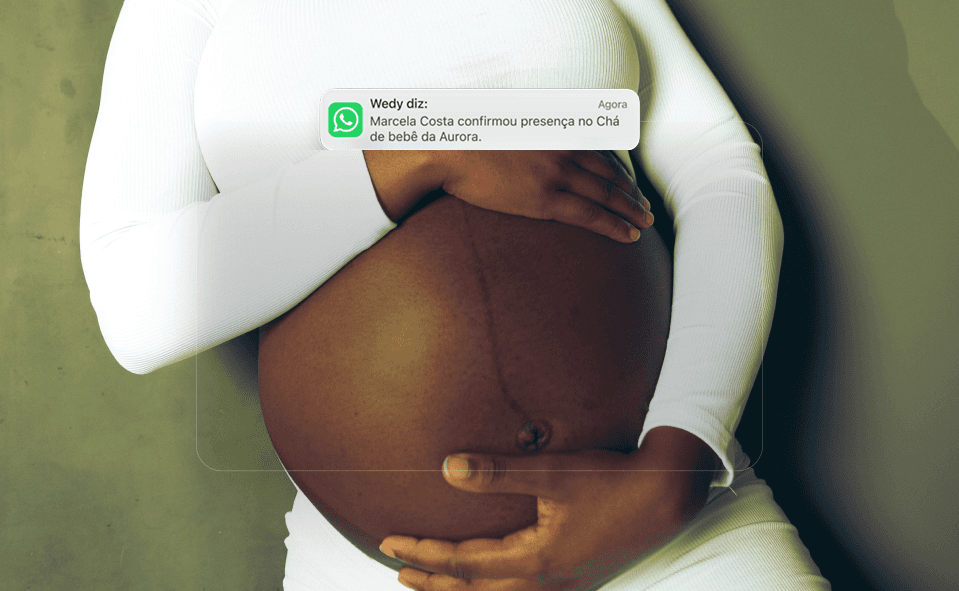
Organizing RSVPs and collecting gifts is one of the most sensitive parts of planning a celebration. When guests confirm through the RSVP but are unsure how to give the hosts a gift, the result is a flood of repeat questions in the couple’s or the advisor’s personal WhatsApp.
With this update, the RSVP experience connects intelligently to your Gift List, showing personalized, contextual messages and guidance right after the guest confirms.
What changes in practice
Instant contextual communication. As soon as the guest clicks to confirm, the final screen adjusts to show a warm thank you and a direct button to the gift list or the event’s Pix details.
Dynamic copy by event type. Adapt the tone for weddings, baby showers, 40th birthdays or wedding anniversaries, so the ask sounds natural and welcoming.
Zero noise, less friction. The guest handles two key steps in under two minutes: says they are coming and picks the right gift without navigating scattered links.
Fully mobile ready. An interface optimized for phone screens, with very fast loading even on unstable connections.
Why this matters
Centralizing the RSVP and the gift list in the same ecosystem sharply reduces how often guests forget and raises the volume of gifts received in the weeks before the celebration by up to 30%.
For hosts, that means more convenience and the certainty that every loved one got the right guidance at the right moment.
💡 How to use it: In the event dashboard, open the side menu Guests & RSVP, click the Settings gear and customize the Thank You and Gifts Message block.
See all updates
